JSON Editor
The JSON Editor plugin replaces the default text input for JSON columns with a structured key-value editor. Users can add, edit, and delete individual pairs without writing raw JSON.
Values support all standard JSON types: strings, numbers, booleans, null, arrays, and nested objects.
Installation
pnpm add @adminforth/json-editor --save
Setting up
Import and attach the plugin to an existing column in your resource:
./resources/apartments.ts
import JsonEditorPlugin from '@adminforth/json-editor';

export default {
  ...
  plugins: [
    ...
    new JsonEditorPlugin({
      fieldName: 'description',
    }),
  ],
}
The plugin works on columns with type
json,string, ortext. The stored value must be a JSON object ({}). Top-level arrays and primitives are not supported.
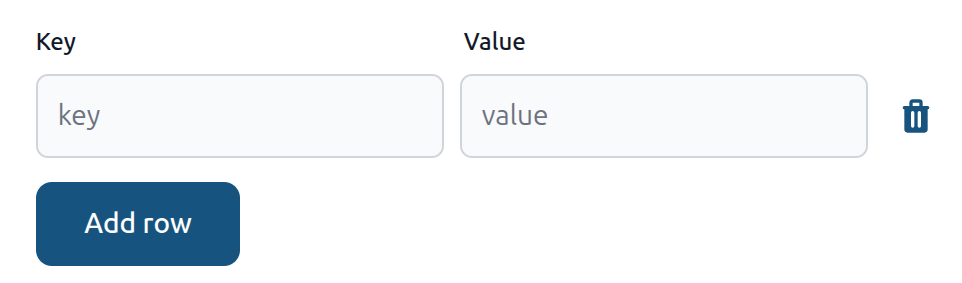
Value types
Values are entered in JSON notation:
| Input | Saved as |
|---|---|
"hello" | string |
42 | number |
true / false | boolean |
null | null |
[1, "x", true] | array |
{"key": 1} | nested object |
Validation
Saving is blocked when:
- Duplicate keys - two rows share the same key name.
- Invalid JSON value - the value field is not valid JSON (e.g.
hellowithout quotes). The error identifies the row:Row 2: value is not valid JSON.
An empty value field is allowed and saved as an empty string "".